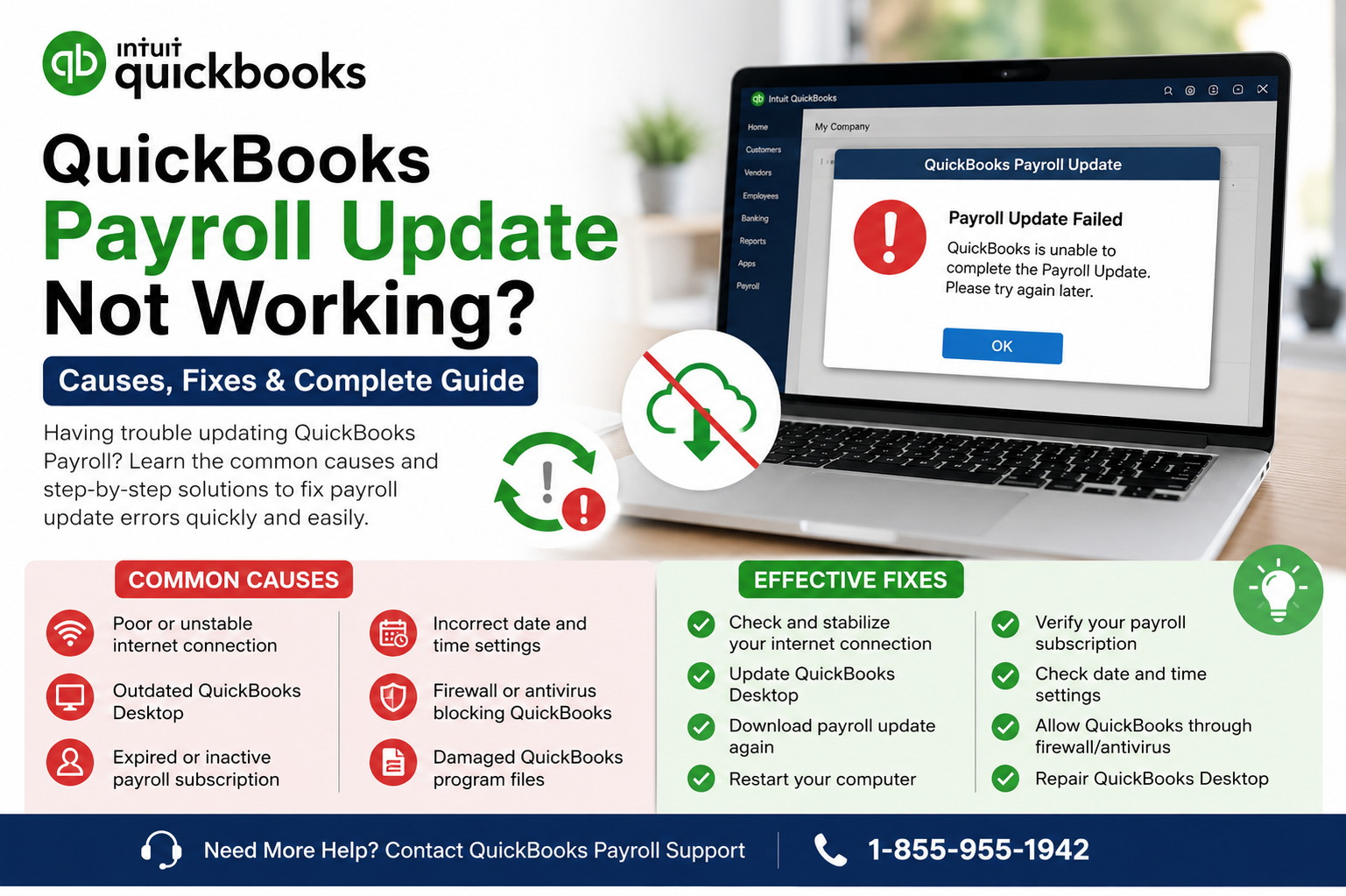
QuickBooks Error PS033 can appear when QuickBooks Desktop is unable to complete a payroll update. For a business that relies on QuickBooks to calculate employee pay, payroll taxes, and related information, an update failure can quickly become more than a minor inconvenience.
The good news is that PS033 is usually associated with identifiable problems rather than an unexplained failure. Intuit identifies several possible causes for PSXXX errors, including incorrect internet connection settings, firewall interference, and a damaged file in the CPS folder. Intuit also recommends checking the payroll subscription, confirming that QuickBooks is registered and updated, and using QuickBooks Tool Hub when appropriate.
This guide explains what QuickBooks Error PS033 means, what commonly triggers it, and which troubleshooting steps are worth trying before considering a more extensive repair.
What Is QuickBooks Error PS033?
QuickBooks Error PS033 is a payroll update error that may occur while downloading or installing payroll updates in QuickBooks Desktop.
Payroll updates matter because QuickBooks Desktop Payroll uses current tax-table information for payroll calculations and related federal and supported state tax functions. An active QuickBooks Desktop Payroll subscription is required to download payroll tax-table updates.
When PS033 appears, the first priority should be determining whether the problem is related to the payroll subscription, the QuickBooks installation, the internet connection, security software, or a damaged update component.
Instead of repeatedly attempting the same update, work through the problem methodically. That approach can prevent unnecessary changes to your company file and make it easier to identify the actual cause.
Why Does QuickBooks Error PS033 Appear?
There is no single cause behind every PS033 occurrence. Several conditions can interfere with payroll updates.
1. Payroll subscription information needs attention
QuickBooks checks your payroll service information when downloading payroll updates. If the service status or service key information is incorrect, the update may not complete.
Intuit recommends opening QuickBooks and checking the payroll service through Employees > My Payroll Service > Manage Service Key. The service should show the appropriate active status, and the service key should be verified.
2. QuickBooks is not fully updated
An outdated QuickBooks Desktop release can create compatibility problems when you attempt to obtain newer payroll information.
Before moving into more complicated troubleshooting, verify that your QuickBooks installation is registered and running the latest available release for your product.
3. Internet or security settings interfere with the update
Payroll updates require QuickBooks to communicate with online services. Incorrect internet settings, firewall rules, antivirus protection, or other security controls can interfere with that communication.
Intuit specifically lists incorrect internet connection settings and firewall settings among the possible causes of PSXXX errors.
4. A damaged CPS file is involved
A damaged file in the CPS folder can also contribute to PSXXX payroll update errors. If subscription and update checks do not resolve the problem, repairing the QuickBooks program may be the more appropriate next step.
How to Fix QuickBooks Error PS033
Follow the steps below in order. After each major change, attempt the payroll update again. There is no advantage in making several unrelated changes at once because doing so makes the original cause harder to identify.
Step 1: Check your payroll service
First, close your company files and restart QuickBooks Desktop.
Open QuickBooks and navigate to:
Employees > My Payroll Service > Manage Service Key
Check the service name and status. Confirm that the payroll service information is correct. If the service key displayed there is incorrect, edit it and enter the correct information.
After selecting Next, make sure the payroll setup option is handled according to your configuration and finish the process. Intuit notes that completing this process can trigger a full payroll update.
If PS033 remains, continue to the next step.
Step 2: Confirm QuickBooks is registered
Open the QuickBooks Product Information window by pressing F2.
Look for the activation or registration information. If QuickBooks is not activated, complete the registration process before attempting another payroll update.
Once registration is confirmed, install the latest available QuickBooks Desktop release for your product and then retry the payroll tax-table update. Intuit includes registration and updating among its recommended steps for PSXXX errors.
Step 3: Check the payroll tax-table update
In QuickBooks Desktop, go to Employees > Get Payroll Updates.
The payroll update window allows you to check the tax-table version and download the available update. Select the option to download the entire update when appropriate.
Payroll tax tables contain information used for current payroll calculations and supported tax forms and electronic filing functions.
If the update completes normally, QuickBooks Error PS033 may already be resolved.
If the error returns, move to program repair rather than repeatedly downloading the same update.
Step 4: Use QuickBooks Tool Hub
QuickBooks Tool Hub can be useful when a program component is interfering with QuickBooks operations.
Close QuickBooks Desktop before opening the utility. In QuickBooks Tool Hub, select Program Problems, then choose Quick Fix my Program.
According to Intuit, Quick Fix my Program closes lingering background processes associated with QuickBooks and performs a quick program repair. After it finishes, reopen QuickBooks and try the payroll update again.
For users who are uncomfortable changing Windows settings themselves, Data Service Team can be reached at +1-888-718-7888 for assistance with the troubleshooting process.
Step 5: Review firewall and security settings
If QuickBooks Error PS033 continues after repairing the program, examine whether Windows security software or a firewall is preventing QuickBooks from communicating with its update services.
Do not permanently disable security protection simply to force an update. Instead, review the applicable security configuration and make appropriate exclusions only when you understand what is being changed.
If you are unsure which setting is interfering with QuickBooks, Data Service Team is available at +1-888-718-7888 to help identify the next troubleshooting step.
Step 6: Check your internet connection
A payroll update can fail when QuickBooks cannot establish a reliable connection.
Try opening other secure websites on the same computer. If general internet access is unreliable, resolve the connection problem before changing QuickBooks files.
Intuit also identifies internet configuration as a possible cause of PSXXX update errors.
For a guided review of the QuickBooks update process, you can contact Data Service Team at +1-888-718-7888.
Step 7: Repair QuickBooks if the problem continues
When basic update and subscription checks do not resolve PS033, a damaged QuickBooks program component may require attention.
The QuickBooks Install Diagnostic Tool is designed to repair or address certain installation-related problems. Intuit lists the tool as a repair option when troubleshooting update errors after other steps have been attempted.
This step is particularly relevant when payroll update problems occur alongside other symptoms such as installation failures, missing program components, or unusual QuickBooks behavior.
Data Service Team can be contacted at +1-888-718-7888 if you need help deciding whether a program repair is appropriate.
What If QuickBooks Payroll Update Is Still Not Working?
If the payroll update continues to fail after the initial QuickBooks Error PS033 troubleshooting steps, avoid randomly deleting folders or modifying Windows settings.
First, confirm these basics:
- Your payroll subscription is active.
- Your QuickBooks Desktop installation is registered.
- QuickBooks has been updated to the latest available release.
- Your internet connection is working normally.
- Firewall or security software is not preventing the update.
- QuickBooks Tool Hub has been used where appropriate.
- The payroll tax-table update has been attempted again after repair.
These checks cover the most common areas associated with PSXXX update failures.
If the situation remains unresolved, Data Service Team can be reached at +1-888-718-7888 for further troubleshooting guidance.
Can QuickBooks Tool Hub Fix PS033?
QuickBooks Tool Hub can help when the underlying problem involves the QuickBooks program rather than the payroll subscription itself.
For PSXXX errors, Intuit specifically recommends using Program Problems > Quick Fix my Program as one troubleshooting step.
However, Tool Hub is not a universal answer to every QuickBooks Error PS033 situation. If the subscription is inactive, the service key is incorrect, or the update cannot communicate with the required online services, repairing the application alone may not solve the underlying problem.
That distinction is important: the correct solution depends on the reason the payroll update is failing.
Is QuickBooks Error PS033 Related to PS036?
PS033 and PS036 belong to the same broader family of PSXXX payroll update errors. Intuit groups QuickBooks Error PS033 and PS036 with other PSXXX codes and identifies similar categories of causes, including internet configuration, firewall interference, and damaged CPS files.
The troubleshooting process can therefore overlap, although the exact message and circumstances should always be considered before applying a repair.
If you encounter PS036 instead, Data Service Team can be reached at +1-888-718-7888 for help determining which troubleshooting path fits the error.
Can Payroll Updates Fail Even When the Internet Works?
Yes.
A working web browser does not necessarily prove that QuickBooks can communicate correctly with the services required for its update process. Firewall rules, security software, Windows configuration, or QuickBooks-specific settings can still interfere.
That is why a QuickBooks Error PS033 diagnosis should examine both the general internet connection and the software’s ability to perform its update operation.
If you need help narrowing down the cause, Data Service Team can be contacted at +1-888-718-7888.
When Should You Avoid Making Manual Changes?
Manual changes to QuickBooks program folders should not be your first response to an update error.
Before modifying installation directories or deleting files, create a current backup of important company data and understand exactly what the proposed change does. A repair utility or controlled reinstall may be more appropriate than manually removing components.
If the problem appears to involve the installation itself, the QuickBooks Install Diagnostic Tool may be worth considering before more invasive changes. Intuit includes program repair and reinstall options in its broader troubleshooting process for update-related problems.
Data Service Team can be reached at +1-888-718-7888 if you want help selecting a safer troubleshooting sequence.
Other QuickBooks Problems That May Need Attention
PS033 is only one type of QuickBooks Desktop problem. Depending on the symptoms, users may also encounter company-file errors, installation problems, printing difficulties, or network-related errors.
Common areas include:
- QuickBooks Tool Hub
- QuickBooks File Doctor
- QuickBooks Error 6000 83
- ABS PDF Driver Issue in QuickBooks
- QuickBooks Error H101
- QuickBooks Error 6177
- QuickBooks Error 1904
- QuickBooks Install Diagnostic Tool
- QuickBooks Delivery Server Down Error
- QuickBooks Error PS036
- QuickBooks Print and PDF Repair Tool
- QuickBooks Error H505
- Can’t Install QuickBooks Desktop
- QuickBooks Error 6000 77
- QuickBooks Error H303
- QuickBooks Assisted Payroll
- QuickBooks Payroll Update Not Working
These errors do not all have the same cause, so one repair method should not automatically be applied to another error code.
Frequently Asked Questions
What is the quickest way to address QuickBooks Error PS033?
Start by checking the payroll service and subscription status. Then confirm QuickBooks is registered and updated. If the error persists, use QuickBooks Tool Hub’s Quick Fix my Program and retry the payroll update.
Does PS033 mean my company file is damaged?
Not necessarily. QuickBooks Error PS033 is associated with payroll update problems, and Intuit lists several possible causes, including internet settings, firewall interference, and a damaged CPS file. It should not automatically be treated as a company-file corruption problem.
Do I need QuickBooks Tool Hub for every PS033 error?
No. Tool Hub is one troubleshooting option. Subscription status, registration, product updates, internet configuration, and security settings should also be checked.
Can an outdated payroll tax table cause problems?
Yes, payroll updates are designed to provide current tax-table information used for payroll calculations and related tax functions. QuickBooks Desktop Payroll requires an active subscription to download the latest tax table.
What should I do if QuickBooks Error PS033 keeps returning?
Record when the error appears and what happens immediately before it. Then verify the payroll subscription, update QuickBooks, run Quick Fix my Program, and examine internet and security settings. If the problem continues, Data Service Team can be contacted at +1-888-718-7888 for additional guidance.
Final Thoughts
QuickBooks Error PS033 can interrupt an otherwise routine payroll update, but it does not automatically mean that your company data is in danger. The most effective approach is to identify the cause before making major changes.
Begin with the payroll subscription and service information. Confirm that QuickBooks is registered and current. Then check the payroll tax-table update, internet connection, and security configuration. If the application itself appears to be malfunctioning, QuickBooks Tool Hub and the QuickBooks Install Diagnostic Tool may provide the next logical repair options.
The same disciplined approach is useful for related problems such as QuickBooks Error PS036, QuickBooks Payroll Update Not Working, installation errors, and other QuickBooks Desktop issues.
For additional troubleshooting guidance, Data Service Team can be reached at +1-888-718-7888.
The goal is not simply to make the PS033 message disappear. The better outcome is restoring a reliable payroll-update process while avoiding unnecessary changes to your QuickBooks installation or company data.