Introduction
Ever downloaded an embroidery design only to discover that your machine cannot open it? You are not alone. Choosing the right file format is one of the most important steps before sending a design to an embroidery machine.
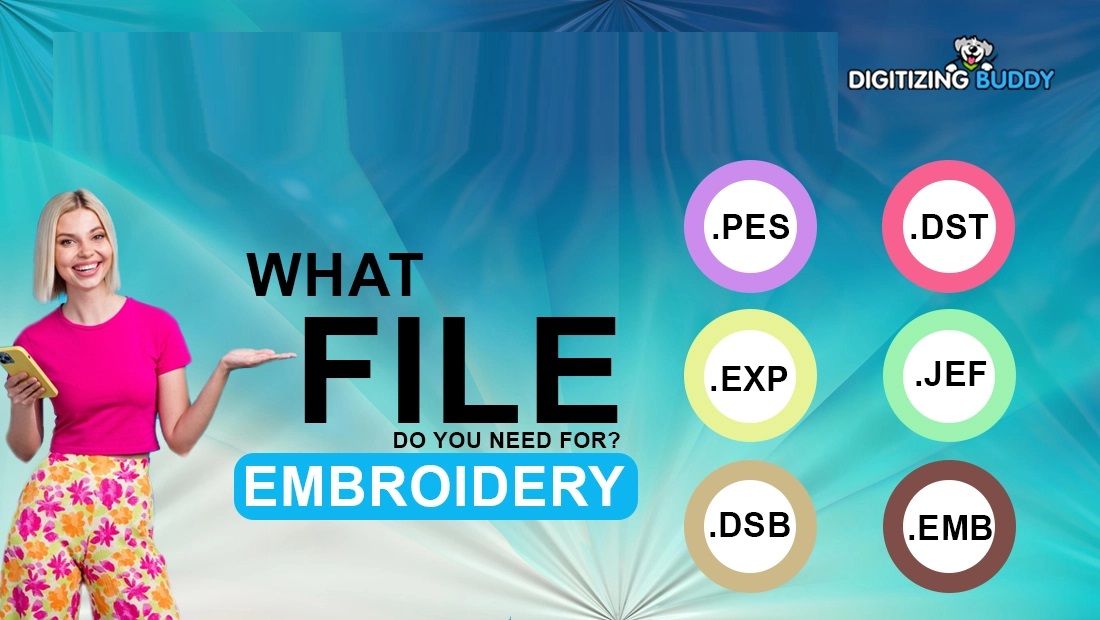
There are several common embroidery design formats, and each one is designed for specific embroidery machines or software. Formats such as DST, PES, JEF, EXP, VP3, HUS, and XXX contain stitch instructions that tell a machine how to create the design.
Understanding these formats can save time, prevent compatibility problems, and help you get better results from your embroidery projects. Whether you are a beginner, home embroiderer, or professional digitizer, knowing the basics makes working with embroidery files much easier.
What Are Embroidery Design Formats?
An embroidery design format is a digital file type that stores instructions for an embroidery machine. These instructions can include stitch locations, stitch sequences, colors, and other information needed to sew a design.
Think of an embroidery file as a recipe. The artwork shows you what the finished design should look like, while the embroidery file tells the machine exactly how to make it.
Different machines read different file types. That is why a design that works perfectly on one machine may not open on another.
Why Are Embroidery File Formats Important?
Using the correct file format is essential for machine compatibility and smooth embroidery production.
The right format can help you:
- Transfer designs to your embroidery machine correctly
- Preserve stitch information
- Maintain the intended design size
- Reduce compatibility problems
- Prepare files for different embroidery machines
- Make production more efficient
Before downloading or converting a design, always check which file formats your machine supports.
Common Embroidery Design Formats
Several embroidery file formats are widely used for home embroidery, commercial production, and professional digitizing.
1. DST Embroidery Format
DST is one of the most widely recognized embroidery formats, especially in commercial embroidery.
It is commonly used with professional and multi-needle embroidery machines. DST files primarily store stitch movement information and may contain limited color information.
Best For
- Commercial embroidery
- Large production orders
- Multi-needle machines
- Professional embroidery shops
One important point is that a DST file does not automatically guarantee high-quality embroidery. The quality depends heavily on how the design was digitized.
2. PES Embroidery Format
PES is a popular format used with many home and small-business embroidery machines.
It can contain useful design information, including stitches and color-related data. Because of its broad use, PES is frequently encountered when downloading or creating embroidery designs.
Best For
- Home embroidery
- Small embroidery businesses
- Machine-compatible design collections
- Personalized garments and accessories
If your machine requires PES, make sure the file is properly prepared for the specific machine and hoop size.
3. JEF Embroidery Format
JEF is commonly associated with embroidery machines that support the JEF format.
It stores the stitch information needed to produce an embroidery design and is often used for personal and small-scale embroidery projects.
Best For
- Home embroidery machines
- Personal projects
- Monogramming
- Small custom designs
When preparing a JEF file, always verify the maximum embroidery area supported by your machine.
4. EXP Embroidery Format
EXP is another embroidery file format used in machine embroidery. It is often found in professional and specialty embroidery workflows.
The format primarily contains stitch movement information, so additional color information may not always be available in the same way as in some other formats.
Best For
- Professional embroidery workflows
- Machine-specific production
- Commercial digitizing
- Design conversion
5. VP3 Embroidery Format
VP3 is a format commonly used by certain embroidery machines and software systems.
It can preserve detailed design information and is useful for projects where machine compatibility and design information are important.
Best For
- Decorative embroidery
- Home embroidery
- Complex designs
- Machine-specific projects
Always confirm that your particular machine supports VP3 before using it.
6. HUS Embroidery Format
HUS is another commonly encountered embroidery format designed for compatible embroidery machines.
It is frequently associated with home embroidery workflows and can be useful for decorative designs, lettering, and personalized projects.
Best For
- Home embroidery
- Decorative designs
- Personalized garments
- Machine-specific embroidery
7. XXX Embroidery Format
XXX is an embroidery format used by certain embroidery machines and software.
It contains the stitch information required to produce embroidery and can be useful when working with compatible systems.
Best For
- Machine embroidery
- Personal projects
- Design conversion
- Compatible embroidery software
Because support varies, check your machine’s documentation before selecting XXX.
Embroidery Machine Format vs. Editable Design Format
One common source of confusion is the difference between a machine embroidery file and an editable design file.
Machine formats are generally created to tell an embroidery machine how to stitch a design. Editable or working formats may preserve more information that allows a digitizer to make changes later.
For example, a digitizer may work with a native project file before exporting the finished design into a machine-ready format.
This distinction matters because simply changing a file extension does not actually convert the design.
What Information Does an Embroidery File Contain?
Depending on the format, an embroidery file may contain information such as:
- Stitch coordinates
- Stitch sequence
- Thread color information
- Design dimensions
- Needle changes
- Jump stitches
- Trim commands
- Machine-specific instructions
The amount of information stored varies from one format to another.
How to Choose the Right Embroidery Format
Choosing a file format does not need to be complicated. Start with your embroidery machine.
Step 1: Check Your Machine Manual
Find the list of supported file formats. This is the most reliable starting point.
Step 2: Check the Hoop Size
A compatible file can still be unsuitable if the design is larger than your machine’s embroidery area.
Step 3: Consider the Design
Detailed designs, lettering, logos, and decorative artwork may require careful digitizing before being saved in the required format.
Step 4: Check the Software
If you plan to edit the design before stitching, make sure your embroidery software can open the file.
Step 5: Test Before Production
For important projects, stitch a sample first. This can reveal issues with density, sizing, thread colors, or registration.
Can You Convert One Embroidery Format to Another?
Yes, embroidery designs can often be converted between compatible formats using embroidery digitizing or conversion software.
However, conversion is not simply a matter of renaming the file extension.
For example, changing .pes to .dst in the filename does not create a real DST embroidery file. The design must be properly processed and exported into the new format.
Why Proper Conversion Matters
A proper conversion helps preserve important stitch information and ensures that the resulting file follows the requirements of the target format.
For complex designs, it may be better to review or re-digitize the artwork rather than relying entirely on automatic conversion.
Common Embroidery File Problems
Even when you have the correct format, you may encounter problems.
The Machine Cannot Read the File
This can happen when the file format is unsupported, corrupted, or saved incorrectly.
Solution: Confirm the required format and export the design correctly.
The Design Is Too Large
Your machine may support the file format but have a smaller maximum embroidery area.
Solution: Resize or re-digitize the design for the correct hoop.
Colors Look Different
Some file formats store color information differently. Thread brands and actual thread colors can also vary.
Solution: Check the color sequence and match it with the thread you plan to use.
The Embroidery Looks Poor
A compatible file can still produce poor results if the design was badly digitized.
Problems may include:
- Puckering
- Thread breaks
- Uneven fills
- Poor lettering
- Excessive stitches
- Gaps between objects
In these cases, improving the digitizing may be more effective than simply changing the file format.
Tips for Managing Embroidery Files
Keeping your embroidery designs organized can save considerable time.
Use Clear File Names
Include useful details such as the design name, size, and format.
For example:
CompanyLogo_4x4_PES
Keep Original Files
If you have an editable project file, keep it separately from your machine-ready files.
Create Format-Specific Folders
You can organize designs into folders such as:
- PES
- DST
- JEF
- EXP
- VP3
- HUS
Keep Backup Copies
Store important designs in more than one location. Losing a custom design after spending hours preparing it can be frustrating.
How Digitizing Buddy Can Help
At Digitizing Buddy, the focus is on preparing embroidery artwork for practical machine embroidery applications. A design can be adjusted and prepared according to its intended size, fabric, stitch requirements, and machine format.
Whether you are working with a logo, lettering, cap design, patch, or detailed artwork, proper digitizing can make the difference between a design that merely opens on your machine and one that actually stitches well.
Best Practices for Better Embroidery Results
Knowing the common embroidery design formats is only the first step. Good preparation also matters.
Follow these simple practices:
- Choose the format your machine supports.
- Use the correct hoop size.
- Avoid stretching designs without checking stitch quality.
- Test important designs before bulk production.
- Keep an original editable version when possible.
- Check stitch density and sequencing for complex artwork.
- Use properly digitized files instead of relying on file-extension changes.
These small steps can prevent many common embroidery problems.
Conclusion
Understanding common embroidery design formats makes machine embroidery much easier. DST, PES, JEF, EXP, VP3, HUS, and XXX are among the file types you may encounter, but each has different compatibility and characteristics.
The most important rule is simple: choose the file format based on your embroidery machine and software requirements.
Remember that file format and embroidery quality are two different things. A compatible file can still stitch poorly if the design was not digitized correctly. For the best results, combine the correct machine format with proper sizing, thoughtful stitch planning, and test stitching.
Once you understand how embroidery file formats work, transferring designs, preparing custom artwork, and managing your embroidery projects becomes much more straightforward.
FAQs About Common Embroidery Design Formats
1. What are the most common embroidery design formats?
Some widely encountered formats include DST, PES, JEF, EXP, VP3, HUS, and XXX. The best format depends on the embroidery machine and software being used.
2. Which embroidery format should I use?
Use the format specifically supported by your embroidery machine. Check the machine manual or manufacturer’s documentation before downloading or converting a design.
3. Can I rename a PES file to DST?
No. Simply changing the file extension does not convert the embroidery design. A proper conversion or export process is required.
4. Does the embroidery format affect design quality?
The file format affects compatibility and the information available to the machine, but embroidery quality also depends heavily on digitizing, stitch density, underlay, sequencing, fabric, thread, and machine settings.
5. Can one design be saved in multiple embroidery formats?
Yes. A properly prepared design can often be exported into multiple machine-compatible formats. Each version should be checked to ensure it works correctly with the intended machine.