

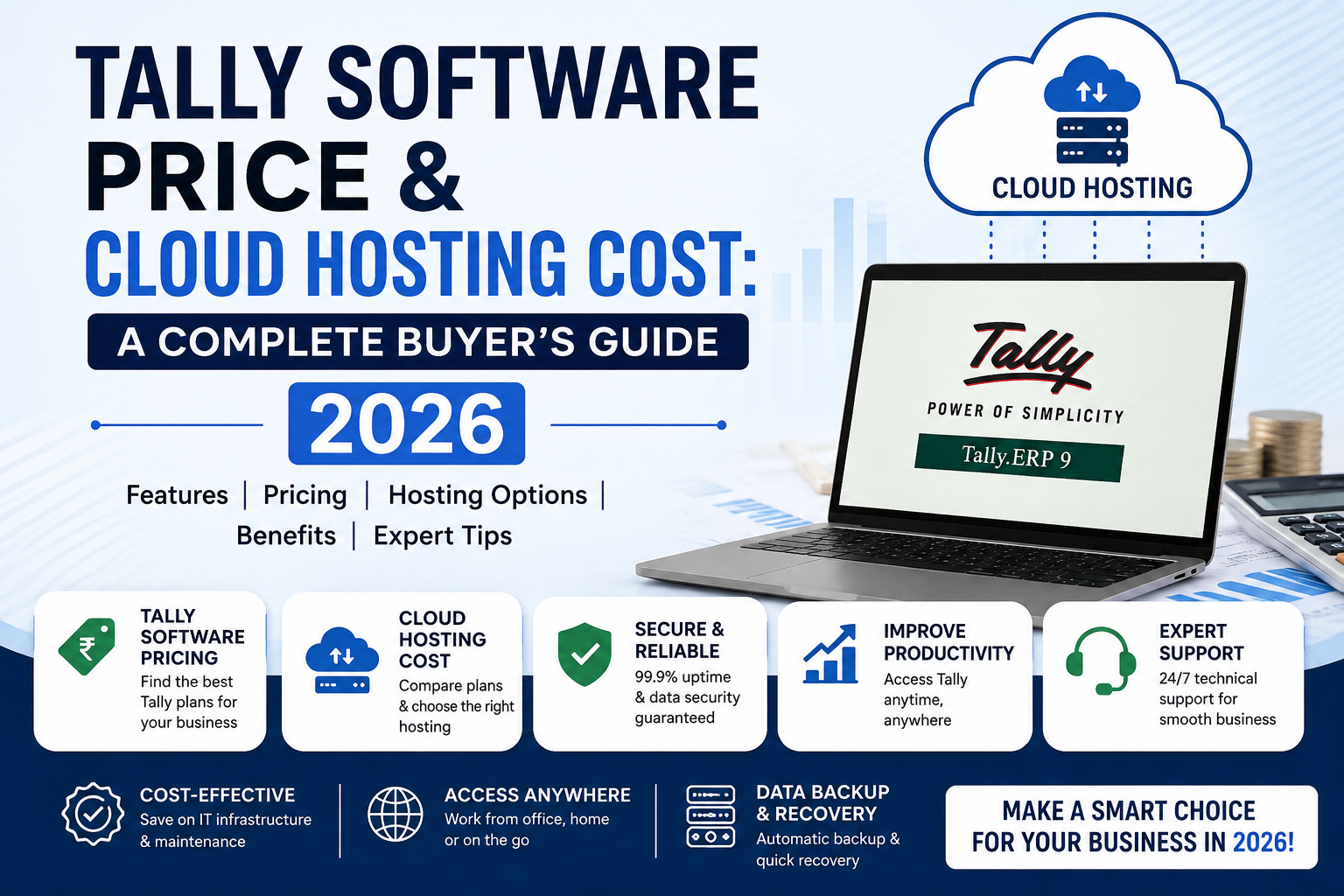
Anyone researching Tally pricing quickly runs into a confusing mix of numbers — software license costs, cloud hosting fees, per-user charges, and add-ons that aren’t always clearly separated. This guide breaks down exactly what you’re paying for at each stage, so you can budget accurately whether you’re buying TallyPrime for the first time or moving your existing setup to the cloud.
Tally Software Price vs Tally Cloud Price: Two Different Costs
Before looking at numbers, it’s worth being precise about what each term actually covers, because they are billed separately and by different parties.
Tally software price refers to what you pay Tally Solutions (or an authorized Tally partner) to license the TallyPrime software itself — a one-time or renewal cost tied to the software, regardless of where or how it runs.
Tally cloud price refers to what you pay a hosting provider to run your licensed copy of TallyPrime on a remote server, so your team can access it over the internet instead of from a single local desktop. This is a separate, ongoing service cost layered on top of your software license.
In short: the software price gets you the license. The cloud price gets you remote access, backups, and multi-location availability. Most businesses moving to Tally Cloud already own a Tally license and are specifically pricing out the hosting layer.
Tally Software Price: What You’re Actually Paying For
TallyPrime is sold under a small number of license tiers, each suited to a different scale of use.
TallyPrime License Types
| License Type | Best For | Key Limitation |
|---|---|---|
| TallyPrime Silver | Single user, single computer | Cannot be used on a network simultaneously by multiple users |
| TallyPrime Gold | Multi-user, single location | Licensed for use across a local area network (LAN) at one site |
| TallyPrime Server | Larger multi-user deployments | Adds server-based access controls and higher concurrency for bigger teams |
Tally Solutions periodically updates its official pricing, and authorized partners may offer bundled deals (training, implementation support, or AMC packages included). Because of this, the exact current software price is best confirmed directly on Tally’s official pricing page or with an authorized partner, rather than relying on a fixed number that may go stale.
What Affects Tally Software Price
- License tier — Silver (single-user) costs less than Gold (multi-user)
- New purchase vs renewal — annual renewal/subscription pricing differs from a fresh purchase
- Add-on modules — payroll, GST filing extensions, or industry-specific add-ons increase total cost
- Partner bundling — some resellers bundle installation, training, or support into the license price
Tally Cloud Price: What You’re Actually Paying For
Once you own a Tally license, Tally Cloud pricing covers the infrastructure and service layer that makes it remotely accessible. This is where most of the “Tally price” confusion online actually originates, since cloud providers price this very differently from Tally Solutions’ own licensing.
How Tally Cloud Pricing Is Structured
Tally Cloud is almost always billed as a recurring fee per user, per month or per year — separate from, and in addition to, your Tally software license.
Based on current offerings across Indian Tally Cloud hosting providers, entry-level single-user plans commonly fall in the range of roughly ₹200–₹300 per month, with pricing increasing based on:
- Number of users — more concurrent users accessing the server raises the monthly cost
- Storage allocated — larger company data files, especially for businesses with years of transaction history, need more storage
- Backup frequency and retention — daily backups with longer retention windows typically cost more than basic weekly backups
- Additional security features — two-factor authentication or advanced access logging, where offered, is sometimes a paid add-on
- Support tier — standard support vs. priority/dedicated support
- Billing cycle — annual plans are frequently discounted compared to paying month to month
A Realistic Monthly Cost Example
To make this concrete, here’s how a small trading business’s Tally Cloud bill might break down (illustrative, not a quote — always confirm current rates with a provider directly):
| Component | Typical Range |
|---|---|
| Base hosting (1 user) | ₹200–₹300/month |
| Each additional user | Often priced per-user, similar to or slightly less than the base rate |
| Extra storage (if needed) | Provider-specific add-on |
| Priority support (optional) | Provider-specific add-on |
For a 3-user setup, this typically lands somewhere in the range of ₹600–₹1,000+ per month, though the actual figure depends entirely on the specific provider and plan chosen.
Tally Software Price + Tally Cloud Price: The Combined Picture
Since these are billed by two different parties, your actual total cost of running Tally remotely is the sum of both:
Total monthly cost ≈ (Tally license cost, amortized) + (Tally Cloud hosting fee)
A common mistake is comparing only the cloud hosting fee against a competitor’s shared pricing, without accounting for the fact that the Tally license itself is a separate, unavoidable cost regardless of which cloud provider you choose. When comparing quotes, always check whether a “Tally Cloud” quote already includes a Tally license or assumes you’re bringing your own.
Why Tally Cloud Costs More Than “Just” a Software License
It’s worth explaining plainly why cloud hosting adds cost on top of the license, rather than replacing it, since this is a common point of confusion:
- Server infrastructure — the provider is running physical or virtual servers, which have real hosting, power, and maintenance costs
- Automated backups — daily backup infrastructure and storage retention isn’t free to maintain
- Security — encryption, access controls, and monitoring require ongoing investment from the provider
- Support — a support team available to help when something goes wrong is part of what the monthly fee funds
In exchange, you’re not maintaining physical server hardware yourself, which has its own — often larger and less predictable — cost in equipment, IT staff time, and eventual hardware replacement.
Factors That Can Increase Your Total Tally Price
Beyond the base license and hosting fee, a few things commonly add to the total bill that first-time buyers don’t always anticipate:
- Data migration assistance — moving years of existing Tally data to a new cloud setup; many providers include this, but it’s worth confirming
- Custom reports or integrations — connecting Tally to other business systems (e-commerce platforms, CRMs) often involves additional development cost
- Training — onboarding your team to a new access method (RDP, browser-based access) sometimes carries a one-time training fee
- Peak-season scaling — businesses with seasonal spikes (festive sales, year-end closing) may need temporary additional user access, priced separately
How to Get an Accurate Price, Not a Generic Estimate
Because both Tally software pricing and Tally Cloud hosting pricing vary by provider, license tier, and specific configuration, the numbers in this guide should be treated as general market ranges for budgeting purposes, not a fixed quote for your business.
To get an accurate number:
- Confirm your Tally license tier need (Silver vs Gold) based on your actual user count and whether they’ll work simultaneously
- Get a written quote from an authorized Tally partner for the license cost
- Request a Tally Cloud hosting quote based on your exact user count, storage needs, and backup requirements
- Ask explicitly whether the cloud quote includes the Tally license or assumes you already have one
- Compare total monthly cost, not just the headline hosting price, across providers
Frequently Asked Questions
What is the price of Tally software? Tally software pricing depends on the license tier — Silver (single-user) or Gold (multi-user) — and whether it’s a new purchase or renewal. Because Tally Solutions updates pricing periodically, the current exact figure should be confirmed on Tally’s official pricing page or with an authorized partner.
What is the price of Tally Cloud? Tally Cloud hosting is typically billed per user, per month, separate from your Tally software license. Entry-level single-user plans in India commonly start in the range of ₹200–₹300 per month, scaling up with additional users, storage, and support level.
Is Tally Cloud price the same as Tally software price? No. Tally software price is what you pay for the TallyPrime license itself. Tally Cloud price is a separate, recurring hosting fee for running that licensed software on a remote server with multi-user, multi-location access.
Why does Tally Cloud cost extra if I already own a Tally license? Because Tally Cloud is a hosting and infrastructure service — it covers the server, automated backups, security, and support needed to make your licensed software remotely accessible. It doesn’t replace your license; it adds a service layer on top of it.
Does Tally Cloud price include the Tally license? This varies by provider — some Tally Cloud plans include a license, others assume you bring your own. Always confirm this explicitly before comparing quotes, since it significantly changes the total cost comparison.
Is Tally Cloud worth the extra cost over a local installation? For businesses needing remote or multi-location access, automated backups, and reduced dependency on local hardware, Tally Cloud typically justifies its cost. For a single-location business with one user working from a fixed desktop, a local installation may remain more cost-effective.
How can I reduce my total Tally Cloud price? Choosing annual billing over monthly (where discounted), accurately estimating your actual user count instead of over-provisioning, and confirming exactly which features (backup frequency, support tier) you need versus what’s bundled by default are the most direct ways to control cost.
Final Thoughts
The confusion around “Tally price” almost always comes down to conflating two separate costs — the software license from Tally Solutions, and the cloud hosting fee from a separate provider. Once you separate these clearly, budgeting becomes straightforward: confirm your license tier and cost with an authorized partner, then get a hosting quote based on your actual user count and requirements, and add the two together for your real total cost.
Treat any number you see online — including the ranges in this guide — as a starting point for the conversation, not a final quote. Actual pricing depends on your specific configuration, and the only way to know your exact cost is to request current quotes directly.





















Leave a Reply