

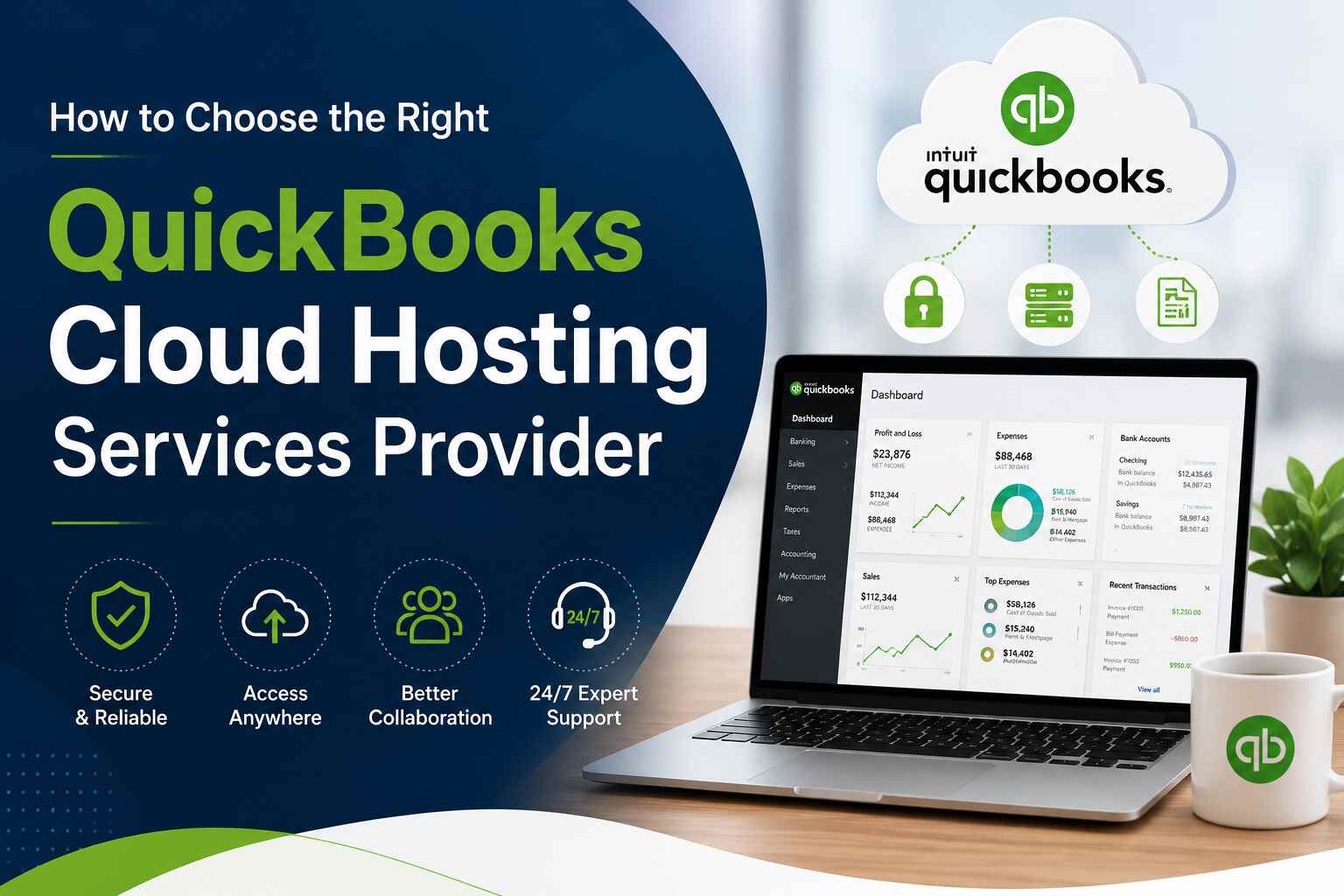
Managing accounting operations efficiently is essential for every modern business. As remote work, data accessibility, and cybersecurity become increasingly important, more companies are moving their accounting software to the cloud. This shift has made QuickBooks cloud hosting services a popular solution for businesses that want flexibility, security, and better collaboration.
However, selecting the right hosting provider can be challenging because many companies offer similar features and pricing models. Choosing the wrong provider may lead to downtime, security risks, poor support, and performance issues. That is why businesses must carefully evaluate several important factors before making a decision.
This guide will help you understand how to choose the best QuickBooks hosting provider for your business needs.
1. Understand Your Business Requirements
Before selecting a hosting provider, it is important to understand your company’s specific requirements. Every business has different accounting workflows, user counts, storage demands, and compliance needs.
Start by asking these questions:
- How many employees need access to QuickBooks?
- Will users access QuickBooks remotely?
- Do you require integration with third-party applications?
- How much storage space is needed?
- What level of security is required?
- What is your monthly hosting budget?
Having clear answers will help you identify a provider that aligns with your operational goals and growth plans.
2. Evaluate Security Standards
Security should be one of the top priorities when choosing a hosting provider. Financial information is highly sensitive, and businesses cannot afford data breaches or unauthorized access.
Reliable QuickBooks cloud hosting services providers typically offer advanced security features such as:
- End-to-end encryption
- Multi-factor authentication
- Firewall protection
- Regular security updates
- Antivirus and anti-malware protection
- Automated backups
- Disaster recovery solutions
You should also verify whether the provider complies with industry security standards and data protection regulations. A secure hosting environment minimizes risks and helps maintain customer trust.
3. Check Performance and Reliability
QuickBooks performance directly impacts productivity. Slow servers, frequent downtime, or lagging access can disrupt daily accounting operations.
Look for providers that guarantee high uptime, preferably 99.99% or higher. Reliable infrastructure ensures your QuickBooks environment remains available whenever your team needs it.
Ask the provider about:
- Server specifications
- Data center quality
- Redundancy systems
- Load balancing
- Backup power systems
Fast and stable performance is especially important for businesses with multiple concurrent users or large company files.
4. Look for Scalable Solutions
As your business grows, your hosting requirements may also change. A good provider should offer scalable solutions that allow you to add users, increase storage, or upgrade resources without major disruptions.
Scalability ensures your accounting system can handle future growth efficiently. Instead of migrating to a different provider later, businesses should choose a flexible hosting solution from the beginning.
Many businesses prefer scalable QuickBooks cloud hosting services because they support long-term operational expansion without requiring costly infrastructure upgrades.
5. Assess Customer Support Quality
Technical issues can occur at any time, and timely support is essential to avoid workflow interruptions. When evaluating hosting providers, pay close attention to the quality of their customer support services.
The best providers typically offer:
- 24/7 technical support
- Live chat assistance
- Phone and email support
- Dedicated account managers
- Fast response times
You should also check online reviews and customer testimonials to understand how effectively the provider handles support requests.
Reliable support can make a major difference during emergencies, server outages, or QuickBooks troubleshooting situations.
6. Verify Application Compatibility
Most businesses use additional software tools alongside QuickBooks, such as CRM systems, payroll applications, tax software, and Microsoft Office applications.
Before selecting a provider, confirm that they support the applications you use daily. Seamless integration improves productivity and eliminates compatibility issues.
A reliable hosting provider should support:
- QuickBooks Desktop versions
- Microsoft Office
- Outlook
- Payroll software
- Industry-specific accounting tools
- Third-party integrations
Choosing a provider with broad compatibility helps create a smoother workflow across departments.
7. Compare Pricing Transparently
Pricing is an important consideration, but businesses should avoid choosing providers solely based on low costs. Extremely cheap hosting plans may compromise security, support quality, or server performance.
Instead, compare pricing structures carefully and understand what is included in each plan.
Check whether the pricing covers:
- User licenses
- Data backups
- Security services
- Technical support
- Storage limits
- Software updates
Transparent pricing prevents unexpected charges later. The ideal provider offers a balance between affordability, performance, and support.
8. Review Backup and Disaster Recovery Features
Data loss can severely impact accounting operations. Hardware failures, cyberattacks, accidental deletion, or natural disasters can compromise critical financial information.
That is why backup and disaster recovery solutions are essential when selecting QuickBooks cloud hosting services.
A dependable provider should offer:
- Automated daily backups
- Multiple backup locations
- Rapid recovery systems
- Disaster recovery planning
- Business continuity support
These features ensure your accounting data remains protected and recoverable even during unexpected events.
9. Consider Remote Accessibility
One of the biggest advantages of cloud hosting is the ability to access QuickBooks from anywhere. Businesses with remote employees, traveling teams, or multiple office locations especially benefit from this flexibility.
When evaluating providers, confirm that they offer:
- Secure remote desktop access
- Mobile accessibility
- Multi-device compatibility
- Stable remote performance
Easy remote access improves productivity and enables employees to work efficiently from any location.
10. Check Industry Experience
Experience matters when it comes to hosting financial applications. Providers with extensive experience in QuickBooks hosting understand common business challenges and can deliver better solutions.
Research the company’s:
- Years in business
- Industry certifications
- Client portfolio
- Customer reviews
- Technical expertise
An experienced provider is more likely to offer reliable infrastructure, knowledgeable support, and efficient troubleshooting.
11. Read Customer Reviews and Testimonials
Customer feedback provides valuable insights into the provider’s reliability and service quality. Reading independent reviews can help you identify strengths and potential weaknesses before making a commitment.
Focus on reviews discussing:
- Uptime reliability
- Customer support responsiveness
- Security performance
- Ease of migration
- Overall customer satisfaction
Positive reviews from businesses similar to yours can help validate your decision.
12. Test the Service Before Commitment
Many hosting providers offer free trials or demo sessions. Taking advantage of these options allows businesses to evaluate the platform before making a long-term investment.
During the trial period, test:
- Login speed
- Application performance
- User experience
- File accessibility
- Support responsiveness
Testing helps ensure the hosting environment meets your expectations and business requirements.
Conclusion
Choosing the right QuickBooks hosting provider is an important decision that directly affects your business operations, productivity, and data security. Businesses should carefully evaluate security standards, performance, scalability, support quality, pricing, and reliability before making a final choice.
Reliable QuickBooks cloud hosting services provide businesses with secure remote access, improved collaboration, enhanced data protection, and operational flexibility. By selecting the right provider, companies can streamline accounting processes and support long-term growth.
For businesses looking for dependable cloud hosting solutions, Apps4Rent offers secure, scalable, and fully managed QuickBooks hosting services designed to meet the needs of modern businesses. With 24/7 support, reliable infrastructure, and industry expertise, Apps4Rent helps organizations manage QuickBooks efficiently from anywhere.



















Leave a Reply