Identify Why Payroll Updates Stop With QuickBooks PS038
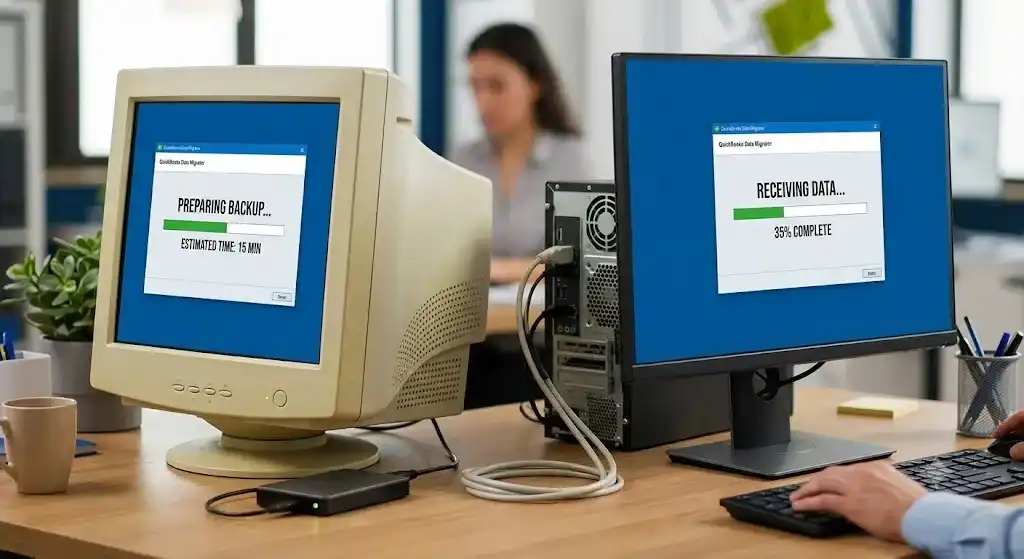
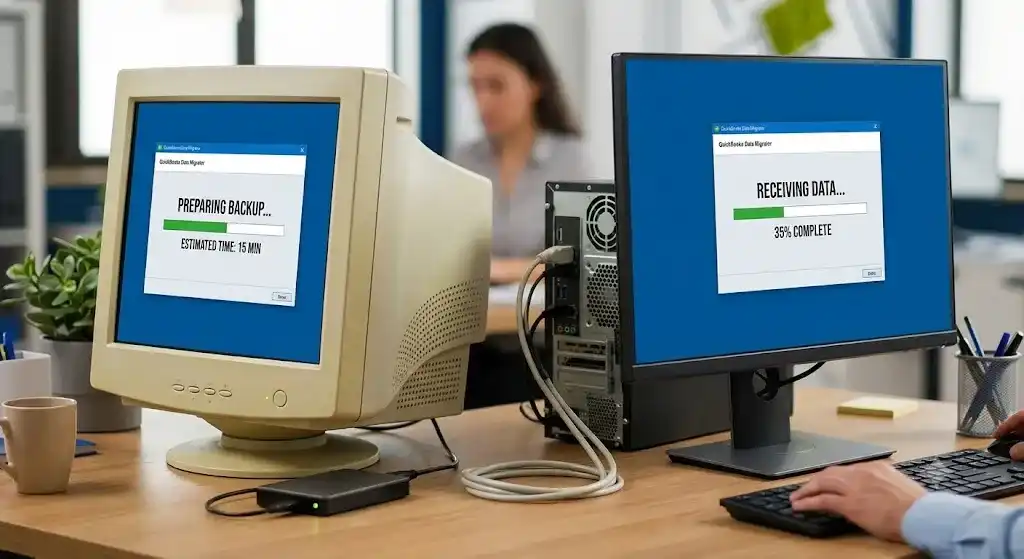
QuickBooks PS038 Error can stop payroll updates when QuickBooks Desktop finds one or more payroll checks that are still waiting to be transmitted and remain marked with an “Online to Send” status. When these transactions do not successfully sync, QuickBooks may prevent payroll processing and stop the latest payroll tax table from downloading. The problem can appear even when the payroll subscription has been validated and QuickBooks reports that the latest update was retrieved, which can make the issue confusing because the software may appear to have completed part of the update while still being unable to move past the pending payroll transactions. The first thing to identify is whether any paychecks are stuck in the Online to Send queue. Open QuickBooks Desktop, go to the Edit menu, choose Find, select the Advanced tab, and use the available filters to locate transactions with an Online Status of Online to Send. The results can help you determine how many paychecks are affected and which paycheck is the oldest pending transaction. A stuck paycheck may result from an interrupted payroll transmission, an issue with company-file data, or a transaction whose online status did not properly update after an earlier payroll send. Before making changes to payroll records, update QuickBooks Desktop to the latest available release and create a recent backup of the company file. This is especially important because payroll transactions contain wage, tax, deduction, and net-pay information that should not be changed casually. After creating a backup, try sending the pending payroll or usage data. From the Employees menu, select My Payroll Service and then Send Usage Data, or choose Send Payroll Data if that option is available. In the Send/Receive Payroll Data window, select Send All and provide the payroll service PIN when requested. If the transmission succeeds, attempt the payroll update again. If the transmission fails, the issue may require additional payroll-service or company-file troubleshooting rather than repeatedly attempting the same update. When payroll data has been sent successfully but PS038 continues to appear, examine the stuck paycheck results again and note the number of affected transactions. The next important step is to check the company file for data problems. QuickBooks provides Verify Data and Rebuild Data utilities that can help identify and repair certain company-file integrity problems. Running Verify Data first can determine whether QuickBooks detects an issue, while Rebuild Data can attempt to repair supported data problems. After rebuilding the company file, try downloading the payroll update again. If PS038 remains, the stuck paychecks may need to be toggled individually so QuickBooks refreshes their transaction status. This process should be performed carefully because the goal is to refresh the status without changing the original payroll amounts. Open the affected paycheck, choose Paycheck Detail, temporarily add the same earnings item that appears last in the earnings section, and respond to the Net Pay Locked message without changing the original tax amounts or net pay. Save the paycheck, reopen it, remove the temporary duplicate earnings item, verify that the tax amounts and net pay remain correct, and save the transaction again. The same process may need to be repeated for every paycheck that remains in the Online to Send status. If you are dealing with a large number of stuck checks, it is particularly important to keep a record of the affected transactions before making changes so that you can verify the results afterward. If you need assistance identifying the cause of the PS038 payroll interruption, you can reach out at ☎️ 866-798-4134 ☎️ and provide the exact PS038 message, the number of stuck paychecks, and whether sending payroll data was successful or unsuccessful. Another factor worth checking is the QuickBooks Desktop version being used. Payroll services depend on a supported QuickBooks Desktop environment, so an outdated or discontinued product version can create additional obstacles when attempting to receive current payroll services and updates. You should also distinguish PS038 from other payroll update errors because not every PS-series error has the same cause or solution. If only certain paychecks are affected and they consistently remain Online to Send, the transaction status and company-file data deserve particular attention. If no stuck paychecks can be found, investigate other payroll-update conditions such as the payroll subscription, product registration, payroll service settings, internet connectivity, and the ability of QuickBooks to communicate with its payroll service. However, the defining condition in the current QuickBooks guidance for PS038 is the presence of paychecks stuck with the Online to Send status. Once the affected transactions have been successfully cleared, run the payroll update again and confirm that the newest tax table is downloaded before processing additional payroll. It is also wise to review payroll records afterward to make sure employee wages, taxes, deductions, and net pay remain accurate. Avoid deleting payroll checks merely to remove the error, because doing so can create additional payroll discrepancies and may affect historical records. Keeping QuickBooks updated, maintaining regular backups, allowing payroll transmissions to complete without interruption, and periodically checking for pending payroll transactions can reduce the chance of encountering the same problem again. If PS038 repeatedly returns after the stuck checks have been cleared and the company file has been verified and rebuilt, further investigation may be necessary to determine whether the issue involves recurring transaction data problems or payroll-service communication. A careful approach helps identify why payroll updates stop instead of treating PS038 as a generic update failure, making it easier to resolve the underlying issue while protecting the accuracy of payroll records.
Identify Why Payroll Updates Stop With QuickBooks PS038 — Q&A
Why does QuickBooks show PS038 during a payroll update?
PS038 generally appears when QuickBooks finds payroll checks that remain stuck with an Online to Send status.
Can one paycheck stop a payroll update?
Yes. A single pending paycheck can prevent QuickBooks from completing the payroll update process.
How do I know if my paychecks are stuck?
Use the Find feature and filter the transactions by Online Status and select Online to Send.
Does PS038 mean my payroll subscription has expired?
Not necessarily. PS038 is primarily associated with payroll checks that have not successfully been sent.
What should I do before troubleshooting PS038?
Update QuickBooks Desktop and create a recent backup of your company file before changing payroll transactions.
Can sending payroll data fix PS038?
It can. Successfully sending all pending payroll or usage data may clear the problem if the transactions transmit correctly.
What if Send Payroll Data does not work?
If payroll data cannot be transmitted, the problem may require additional payroll-service or company-file troubleshooting.
Why should I run Verify Data?
Verify Data can help identify certain company-file problems that may be interfering with payroll transactions.
What does Rebuild Data do?
Rebuild Data attempts to repair certain data-integrity issues identified within the QuickBooks company file.
What does it mean to toggle a stuck paycheck?
It means temporarily changing and then reversing a paycheck detail so QuickBooks can refresh its online transaction status.
Can I simply delete a paycheck showing Online to Send?
It is not recommended to delete a payroll transaction just to remove PS038 because doing so can affect payroll records.
Will PS038 prevent me from downloading tax tables?
Yes. Stuck payroll transactions can prevent QuickBooks Desktop from downloading the latest payroll tax table.
Why does PS038 keep returning after I fix it?
Recurring PS038 problems may indicate that payroll transactions are repeatedly remaining in the Online to Send queue or that an underlying company-file issue has not been resolved.
Should I check my QuickBooks Desktop version?
Yes. Make sure the QuickBooks Desktop version is supported and updated before troubleshooting payroll-update problems.
What should I verify after fixing PS038?
Run the payroll update again and review payroll records to confirm that wages, taxes, deductions, and net pay remain accurate.