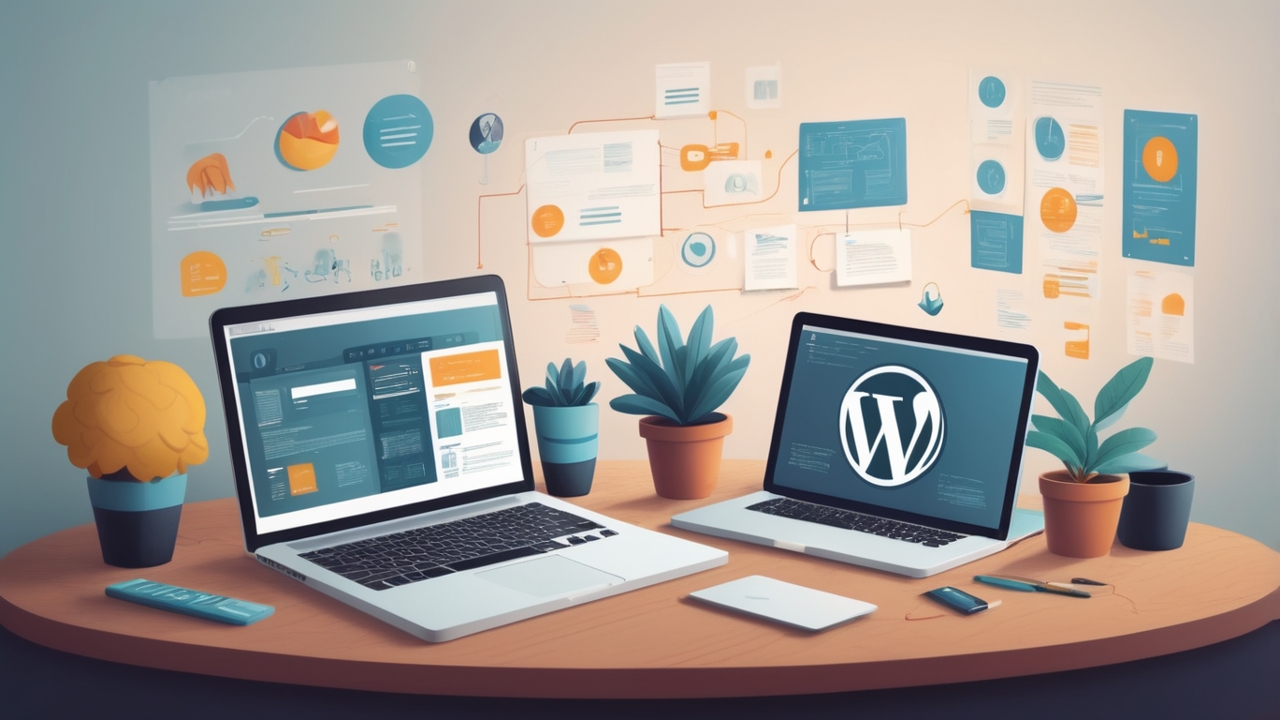
A successful website is rarely created by simply choosing a theme, adding a few pages, and pressing publish. Behind every effective WordPress website is a process that combines strategy, design, development, testing, optimization, and continuous improvement.
For businesses, a website is often the first meaningful interaction a potential customer has with the brand. It needs to communicate the right message, load quickly, work smoothly across devices, support search visibility, and make it easy for visitors to take action. Achieving all of this requires more than technical implementation—it requires a well-planned development journey.
Whether you are launching a new business website, rebuilding an outdated site, or creating an online platform for a growing company, understanding the different stages of development can help you make better decisions and avoid costly mistakes.
Here is a look at the complete journey of a WordPress website, from the initial strategy to long-term growth.
1. Start With Strategy, Not Design
One of the most common mistakes businesses make is starting the project with design before defining what the website needs to accomplish.
Before choosing colors, fonts, layouts, or themes, establish the website’s purpose.
Ask questions such as:
-
Who is the target audience?
-
What does the business want visitors to do?
-
Which products or services need the most visibility?
-
What makes the company different from competitors?
-
What information will potential customers need before contacting the business?
-
Which pages are essential for launch?
-
How will website success be measured?
The answers provide a foundation for the entire project.
For example, an e-commerce website may prioritize product discovery, category navigation, checkout usability, and customer trust. A professional services website may focus more heavily on lead generation, case studies, service pages, and consultation requests.
A clear strategy prevents the website from becoming a collection of attractive but disconnected pages.
2. Define the Website Architecture
Once the objectives are clear, the next step is deciding how information will be organized.
This is known as website architecture.
A typical business website might include:
-
Home
-
About
-
Services
-
Individual service pages
-
Case studies or portfolio
-
Blog
-
Contact
-
Frequently Asked Questions
-
Privacy and legal pages
The exact structure depends on the business and its audience.
Good architecture makes it easier for visitors to find information while also creating a logical foundation for search engines to understand the website.
Clear navigation is essential for a positive user experience. Visitors exploring WordPress Website Development Services should be able to move easily between service pages and find key information or contact options without navigating through unnecessary pages.
At this stage, it is also useful to create a basic content hierarchy. Decide which pages are primary, which pages support them, and how they connect through internal links.
3. Plan Content Before Building Pages
Design and development can move much faster when content requirements are established early.
Content should not be treated as something that gets added after the website is built.
For every important page, determine:
-
The primary purpose of the page
-
The target audience
-
The main topic
-
Supporting information
-
Primary call to action
-
Relevant keywords and search intent
-
Images or visual assets required
-
Internal links to related pages
For example, a service page should do more than describe what a company offers. It should explain the problem being solved, communicate benefits, establish credibility, answer common questions, and guide the visitor toward the next step.
This content-first approach also reduces the need for major design changes later.
4. Create the Visual Direction
With the strategy and content structure established, the project can move into visual planning.
The design should reflect the company’s identity while prioritizing usability.
Important design elements include:
-
Brand colors
-
Typography
-
Spacing
-
Button styles
-
Images
-
Icons
-
Page layouts
-
Navigation
-
Calls to action
-
Mobile presentation
A professional design does not necessarily mean adding more visual elements. In many cases, effective design comes from removing unnecessary distractions.
Every major component should have a purpose.
For example, a call-to-action button should be visually noticeable because it represents an important next step. A heading should establish content hierarchy. Images should support the message rather than simply fill empty space.
The goal is to create an experience that feels consistent, trustworthy, and easy to navigate.
5. Choose the Right WordPress Foundation
WordPress provides a flexible foundation, but the choices made during setup can influence the website’s future performance and maintainability.
The development team may need to determine:
-
Hosting requirements
-
WordPress version
-
Theme approach
-
Plugins
-
Page-building tools
-
Custom functionality
-
Database requirements
-
Security configuration
-
Backup solutions
-
Analytics tools
Not every website needs dozens of plugins or highly customized functionality.
In fact, unnecessary plugins can create maintenance challenges and potentially affect performance.
The right approach is to select technologies based on actual business requirements rather than adding features simply because they are available.
6. Develop the Website
This is where the planned strategy and design become a functioning website.
Development typically includes creating page templates, implementing layouts, configuring functionality, connecting forms, setting up navigation, and integrating required third-party services.
Depending on the project, development may involve custom code as well as existing WordPress functionality.
A quality development process should consider more than appearance. The website should also be:
-
Responsive
-
Accessible
-
Secure
-
Search-friendly
-
Maintainable
-
Performance-conscious
-
Compatible with modern browsers
Responsive development is particularly important because visitors may access the website from smartphones, tablets, laptops, and desktop computers.
A layout that looks excellent on a large monitor can become difficult to use on a small screen if mobile considerations are ignored.
7. Build With Search Visibility in Mind
Search engine optimization should not be treated as a final-stage activity.
Important SEO considerations can be incorporated during development.
These may include:
-
Logical URL structures
-
Search-friendly page titles
-
Proper heading hierarchy
-
Descriptive image alt text
-
Internal linking
-
XML sitemap configuration
-
Canonicalization where appropriate
-
Mobile usability
-
Website performance
-
Structured data when relevant
Content quality remains essential. Technical optimization cannot compensate for pages that do not satisfy the visitor’s intent.
A strong website combines useful information with a technically sound foundation.
8. Prioritize Performance
Website speed affects both user experience and business outcomes.
Visitors may leave a website if pages take too long to load or interactive elements feel sluggish.
Performance optimization can involve several areas, including:
-
Compressing images
-
Using modern image formats
-
Reducing unnecessary scripts
-
Limiting excessive plugins
-
Implementing caching
-
Optimizing CSS and JavaScript
-
Using a suitable hosting environment
-
Improving server response times
-
Loading resources efficiently
Performance should be considered throughout development rather than addressed only after problems appear.
A visually impressive website is less effective if visitors struggle to use it.
9. Test Before Launch
Launching immediately after development is risky.
A website needs structured testing before it becomes publicly available.
Testing should cover functionality, appearance, performance, security, and usability.
Functional Testing
Check that important components work correctly:
-
Contact forms
-
Buttons
-
Navigation menus
-
Search
-
Login systems
-
Checkout processes
-
Newsletter subscriptions
-
Downloads
-
Interactive features
Responsive Testing
Review pages on different screen sizes.
Pay attention to:
-
Text readability
-
Button sizes
-
Navigation
-
Images
-
Forms
-
Tables
-
Spacing
-
Horizontal scrolling
Browser Testing
The website should be reviewed across commonly used browsers to identify rendering or functionality problems.
Content Testing
Check every page for:
-
Spelling mistakes
-
Broken links
-
Missing images
-
Incorrect information
-
Formatting issues
-
Placeholder content
Even a small error can make a professional website appear unfinished.
10. Perform a Pre-Launch SEO Check
Before launch, review the website from a search-engine perspective.
Confirm that important pages can be discovered and indexed appropriately.
Check:
-
Page titles
-
Meta descriptions
-
Heading structure
-
URLs
-
Internal links
-
Sitemap
-
Robots directives
-
Canonical tags
-
Image optimization
-
Redirects
-
Broken links
If an existing website is being replaced, redirects deserve particular attention.
Old URLs that have accumulated traffic or search visibility may need to redirect to their relevant new destinations. Poor migration planning can result in broken links and lost organic traffic.
11. Secure the Website
Security should be part of the website’s foundation rather than an afterthought.
Basic security practices can include:
-
Strong administrator credentials
-
Limited user permissions
-
Regular updates
-
Reliable backups
-
Secure hosting
-
HTTPS
-
Monitoring
-
Protection against common threats
Plugins and themes should also be maintained carefully.
A website is not secure simply because it was secure on launch day. Security requires ongoing attention as WordPress, plugins, themes, browsers, and external services evolve.
12. Launch Carefully
Once testing is complete, the website can be prepared for launch.
A controlled launch process helps reduce unexpected problems.
Before making the site public, confirm that:
-
Backups are available
-
Forms are working
-
Analytics is configured
-
Important redirects are active
-
Search visibility settings are correct
-
Contact information is accurate
-
SSL is functioning
-
Key pages load properly
-
Navigation works
-
Conversion paths have been tested
After launch, perform another round of checks on the live environment.
Some issues only become visible after deployment because the production server, caching system, DNS configuration, or third-party integrations may behave differently from the development environment.
13. Measure What Happens After Launch
Publishing the website is not the end of development.
It is the beginning of the next phase.
Analytics can reveal how visitors interact with the website.
Useful measurements may include:
-
Traffic sources
-
Popular pages
-
Engagement
-
Conversion rates
-
Form submissions
-
Search visibility
-
Device usage
-
Page performance
-
Exit patterns
These insights can reveal opportunities that were difficult to identify before launch.
For example, a company may discover that visitors frequently read a particular service page but rarely complete the contact form. That could lead to improvements in the page’s messaging, calls to action, form design, or trust signals.
Data turns website improvement from guesswork into an ongoing process.
14. Keep Improving the User Experience
A website should evolve as customer expectations and business needs change.
User experience improvements might involve:
-
Simplifying navigation
-
Improving page layouts
-
Making forms shorter
-
Clarifying calls to action
-
Adding helpful FAQs
-
Improving mobile usability
-
Updating outdated content
-
Strengthening internal linking
Small improvements can accumulate into meaningful results over time.
It is also useful to review the website from the perspective of someone unfamiliar with the business.
Can a new visitor understand what the company does within a few seconds?
Can they quickly find the information they need?
Do they know what to do next?
If the answer to these questions is unclear, there may be opportunities to improve the experience.
15. Maintain and Update the Website
WordPress websites require ongoing maintenance.
Regular maintenance can include:
-
Updating WordPress
-
Updating themes and plugins
-
Reviewing security
-
Checking backups
-
Monitoring performance
-
Removing unused plugins
-
Fixing broken links
-
Reviewing analytics
-
Updating content
Maintenance also provides an opportunity to identify technical problems before they become major issues.
A website that receives regular attention is generally easier to manage than one that is neglected for long periods.
16. Turn the Website Into a Growth Platform
The ultimate goal of a business website is rarely just to exist online.
The website should support broader business objectives.
As the company grows, the website may expand with:
-
New service pages
-
Educational content
-
Case studies
-
Landing pages
-
Lead-generation campaigns
-
E-commerce capabilities
-
Customer portals
-
Integrations
-
Marketing automation
-
New geographic markets
This is where the scalability of the original website architecture becomes important.
A well-planned WordPress website can provide a foundation that grows alongside the business rather than requiring a complete rebuild every time a new requirement appears.
The Website Journey Never Really Ends
The development of a WordPress website is not a single event. It is a continuous journey that moves through strategy, planning, design, development, testing, launch, measurement, maintenance, and growth.
The strongest websites are not necessarily those with the most features. They are the ones that clearly understand their audience, solve real problems, provide a smooth experience, and continue improving after launch.
For businesses investing in a new website, the most important question is therefore not simply, “How quickly can we build it?”
A better question is, “How can we build a website that continues to create value as our business grows?”
That shift in perspective changes everything—from the initial strategy and technology choices to content planning, performance optimization, testing, and ongoing improvement.
A successful WordPress website is ultimately a combination of strategy, technology, content, usability, and continuous optimization. When these elements work together, the website becomes more than a digital brochure. It becomes an active business asset capable of supporting visibility, credibility, customer engagement, and long-term growth.