

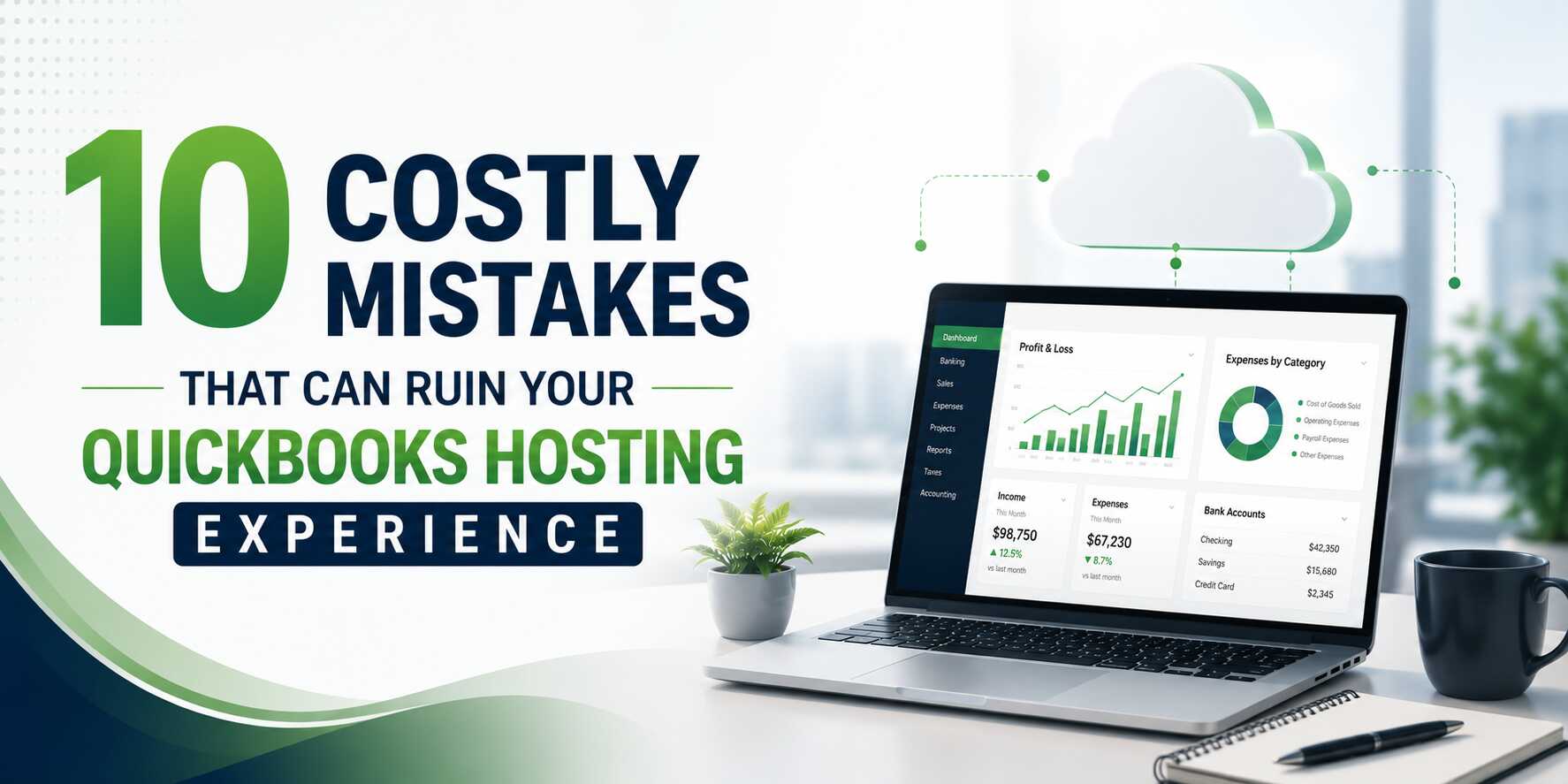
QuickBooks hosting has transformed the way accounting professionals and small businesses manage their finances. By moving QuickBooks to the cloud, teams gain the freedom to access their financial data from anywhere, collaborate in real time, and eliminate the headaches of maintaining on-premise hardware.
But here’s the reality: QuickBooks hosting is only as good as the decisions made around it. Many businesses jump into cloud hosting without a clear strategy and end up frustrated with poor performance, security gaps, and unexpected costs. The good news? Every one of these pitfalls is completely avoidable.
This guide covers the 10 most costly mistakes that can ruin your QuickBooks hosting experience — and exactly what you should do instead.
Mistake #1: Choosing the Wrong QuickBooks Version
Not all QuickBooks versions are created equal. QuickBooks Pro, Premier, and Enterprise each serve different business scales and needs. Pro handles basic bookkeeping for freelancers and very small teams. Premier adds industry-specific features for sectors like retail, manufacturing, and nonprofit. Enterprise is built for growing businesses that need advanced inventory, reporting, and multi-user capabilities.
A surprisingly common mistake is picking a version by price alone — or defaulting to whatever version was used on a previous desktop setup without reconsidering whether it still fits. When you move to hosted QuickBooks, your workflow expands: more users may need simultaneous access, reporting needs grow, and integrations become more complex.
What to do instead: Audit your actual business requirements before selecting a version. How many concurrent users do you need? Do you require job costing, advanced inventory, or industry-specific reporting? Choose the version that matches where your business is going, not just where it is today.
Not Sure Which QuickBooks Version Is Right for You?
Apps4Rent helps you compare QuickBooks Pro, Premier, and Enterprise to find the best fit for your business needs. Host the right version in a secure cloud environment with expert support.
Mistake #2: Settling for a Substandard Hosting Provider
The hosting provider you choose is the backbone of your entire QuickBooks experience. A poor provider can mean sluggish performance, frequent downtime, mediocre customer support, and — worst of all — data security risks.
Many businesses make the mistake of choosing the cheapest option or selecting a general-purpose cloud host that isn’t specifically experienced with QuickBooks. QuickBooks has particular infrastructure requirements, and a hosting provider unfamiliar with those nuances will leave you troubleshooting constant issues.
Key criteria to evaluate include: uptime guarantees (look for 99.9% or higher), 24/7 support with QuickBooks-specific expertise, data backup frequency and recovery policies, compliance certifications (SOC 2, HIPAA where applicable), and whether they are an Intuit Authorized Hosting Provider.
What to do instead: Vet your provider thoroughly. Ask for references, review SLAs carefully, and prioritize providers who specialize in accounting software hosting. An Intuit-authorized host has been vetted by the maker of QuickBooks itself — that credential matters.
Mistake #3: Ignoring User Permission Management
Multi-user access is one of the greatest advantages of hosted QuickBooks — multiple team members can work on the same company file simultaneously from different locations. But this power comes with a serious responsibility.
Giving all users unrestricted access is like handing every employee a master key to the office. If a user accidentally (or intentionally) deletes records, modifies payroll entries, or exports sensitive financial data, the damage can be severe and difficult to reverse.
What to do instead: Use QuickBooks’ built-in role-based access controls thoughtfully. Define what each type of user — bookkeeper, payroll manager, accountant, read-only stakeholder — truly needs to see and edit. Conduct periodic access reviews and revoke permissions as soon as an employee changes roles or leaves the company.
Mistake #4: Miscalculating Resource Requirements
Cloud hosting is billed based on the resources you consume: CPU, RAM, and storage. This is one of the most misunderstood aspects of QuickBooks hosting, and errors in either direction are expensive.
Under-allocating resources leads to slow load times, frequent crashes, and a poor user experience that kills productivity. Over-allocating resources means you’re paying for computing power you never actually use.
The right resource profile depends on the number of concurrent users, the size of your QuickBooks company file, any add-ons running alongside QuickBooks, and typical peak workload periods like month-end close or tax season.
What to do instead: Work with your hosting provider to do a proper sizing exercise before you go live. Revisit your resource allocation at least quarterly and adjust as your business grows. Many reputable providers offer flexible scaling, so you’re not locked into a configuration that no longer fits.
Mistake #5: Using Incompatible or Misconfigured Add-ons
QuickBooks becomes significantly more powerful with the right add-ons — tools for advanced payroll, inventory management, expense tracking, CRM integration, and more. But when add-ons aren’t compatible with your hosted environment or are configured incorrectly, they can cause everything from minor glitches to full application crashes.
A common pitfall is installing add-ons designed for a local desktop environment into a hosted setup without checking compatibility. Others install too many add-ons simultaneously, creating conflicts that are difficult to diagnose.
What to do instead: Before integrating any add-on, verify compatibility with your specific hosted QuickBooks version. Install add-ons one at a time and test thoroughly in a staging environment before pushing to production. When in doubt, consult your hosting provider — they’ll often have a list of pre-vetted, compatible integrations.
Mistake #6: Neglecting Data Backup and Disaster Recovery Planning
Many users assume that because they’re on the cloud, their data is automatically protected. This is one of the most dangerous misconceptions in QuickBooks hosting. Cloud hosting reduces some risks, but it doesn’t eliminate the need for a solid backup and recovery strategy.
Accidental file deletion, ransomware attacks, application errors, and even provider-side outages can all result in data loss. If your hosting provider only keeps 24-hour backups and you don’t discover a problem until Day 3, you may lose days of critical financial records.
What to do instead: Ask your provider exactly how often backups are taken, how long they are retained, and how quickly data can be restored. Ideally, look for multiple daily backups with at least 30 days of retention. Consider maintaining an independent local backup for critical company files as an additional safety net.
Mistake #7: Overlooking Security Protocols
Financial data is among the most sensitive information a business holds, and hosted QuickBooks is an attractive target for cybercriminals. Yet many businesses treat cloud security as entirely the provider’s problem — and don’t take responsibility for security practices on their own end.
Common security gaps include weak passwords, no multi-factor authentication, using QuickBooks on unsecured public Wi-Fi, and failure to keep the remote desktop client software updated.
What to do instead: Insist that your hosting provider implements end-to-end encryption, multi-factor authentication, intrusion detection systems, and regular vulnerability assessments. On your side, enforce strong password policies, restrict access to trusted devices and networks, and train all users on basic cloud security hygiene. Security is a shared responsibility.
Mistake #8: Failing to Train Users Properly
Technology adoption fails when people don’t know how to use it effectively. Moving to hosted QuickBooks is a significant shift for staff accustomed to desktop software — the interface is delivered via remote desktop, file-sharing conventions change, and security protocols are different.
Without proper onboarding, employees will find workarounds, make errors, and blame the hosting platform for problems that are actually user-driven. This leads to poor data quality, compliance risks, and unnecessary IT support tickets.
What to do instead: Invest in structured user training before going live. Cover navigation in the hosted environment, proper file-saving and naming conventions, password management, how to log in securely from different devices, and who to contact for support. A few hours of training upfront prevents weeks of headaches later.
Mistake #9: Ignoring Compliance and Regulatory Requirements
Depending on your industry, QuickBooks hosting may need to satisfy specific compliance requirements. Healthcare organizations dealing with patient billing data must consider HIPAA. Financial services firms may need SOC 2 compliance. Businesses operating in certain states or countries may have data residency requirements.
Many businesses don’t ask the right compliance questions when selecting a provider and discover too late that their setup doesn’t meet industry or regulatory standards — exposing them to legal liability and penalties.
What to do instead: Identify all applicable compliance requirements before selecting a provider. Ask potential hosts which compliance certifications they hold, where their data centers are located, and whether they can provide compliance documentation for audits. Don’t assume compliance — verify it in writing.
Mistake #10: Not Having a Clear Migration and Go-Live Plan
The move to QuickBooks hosting can be bumpy if it’s treated as a simple “lift and shift” without careful planning. Issues that commonly arise include corrupt company files transferred from desktop to cloud, misconfigured user accounts, overlooked integrations that break post-migration, and no rollback plan if something goes wrong.
Rushing the migration to meet an arbitrary deadline is one of the most costly mistakes businesses make. Errors discovered after go-live, during peak accounting periods, can be catastrophic.
What to do instead: Create a detailed migration checklist with your hosting provider. This should include pre-migration file integrity checks, a clear timeline with testing milestones, user acceptance testing before full cutover, and a contingency plan to revert to desktop if critical issues arise. Schedule the migration during a low-activity period — never during month-end close or tax season.
Get QuickBooks Hosting Done Right
Don’t let avoidable mistakes cost you time, money, or data. Apps4Rent is an Intuit-authorized QuickBooks hosting provider offering 99.99% uptime, 24/7 expert support, and fully managed cloud infrastructure – so you can focus on your books, not your servers.
Frequently Asked Questions (FAQs)
1: Is QuickBooks hosting the same as QuickBooks Online?
No — they are fundamentally different products. QuickBooks hosting refers to running QuickBooks Desktop (Pro, Premier, or Enterprise) on a cloud server, accessed via a remote desktop connection. QuickBooks Online is a separate, browser-based product built from the ground up for cloud use. Hosted QuickBooks Desktop retains all the features and familiar interface of the desktop version, making it ideal for businesses that rely on desktop-specific functionality, third-party integrations, or industry editions not available in QBO.
2: How many users can access hosted QuickBooks simultaneously?
The number of concurrent users depends on your QuickBooks license and the resources allocated by your hosting provider. QuickBooks Pro supports up to 3 users, QuickBooks Premier up to 5, and QuickBooks Enterprise up to 40 simultaneous users. Your hosting plan’s RAM and CPU allocation should be sized appropriately to maintain good performance as your concurrent user count increases.
3: What should I do if QuickBooks runs slowly on a hosted environment?
Slow performance in a hosted QuickBooks environment is usually caused by one or more of the following: insufficient server resources (CPU or RAM), a slow or unstable internet connection on the user’s end, an oversized company file, too many add-ons running simultaneously, or a hosting provider with an overloaded shared server. Start by checking your internet speed, then work with your provider to review your server resource allocation and company file health.
4: Is my QuickBooks data safe in the cloud?
When hosted by a reputable, security-certified provider, QuickBooks data in the cloud can actually be safer than on a local desktop. Look for providers that offer end-to-end encryption, multi-factor authentication, automated daily backups, intrusion detection, and physical data center security. Always verify compliance certifications relevant to your industry (such as SOC 2 or HIPAA) before committing to a provider.
5: Can I switch QuickBooks hosting providers without losing my data?
Yes, switching providers is possible and sometimes necessary if your current host isn’t meeting your needs. The process involves exporting or backing up your QuickBooks company file, migrating it to the new hosting environment, and reconfiguring user accounts and integrations. It’s important to plan the migration during a low-activity period and conduct thorough testing before fully switching over. A competent new provider will often assist with the migration process.


















Leave a Reply